Admin Panel & Dashboard Development
Admin panel development for apps and startups
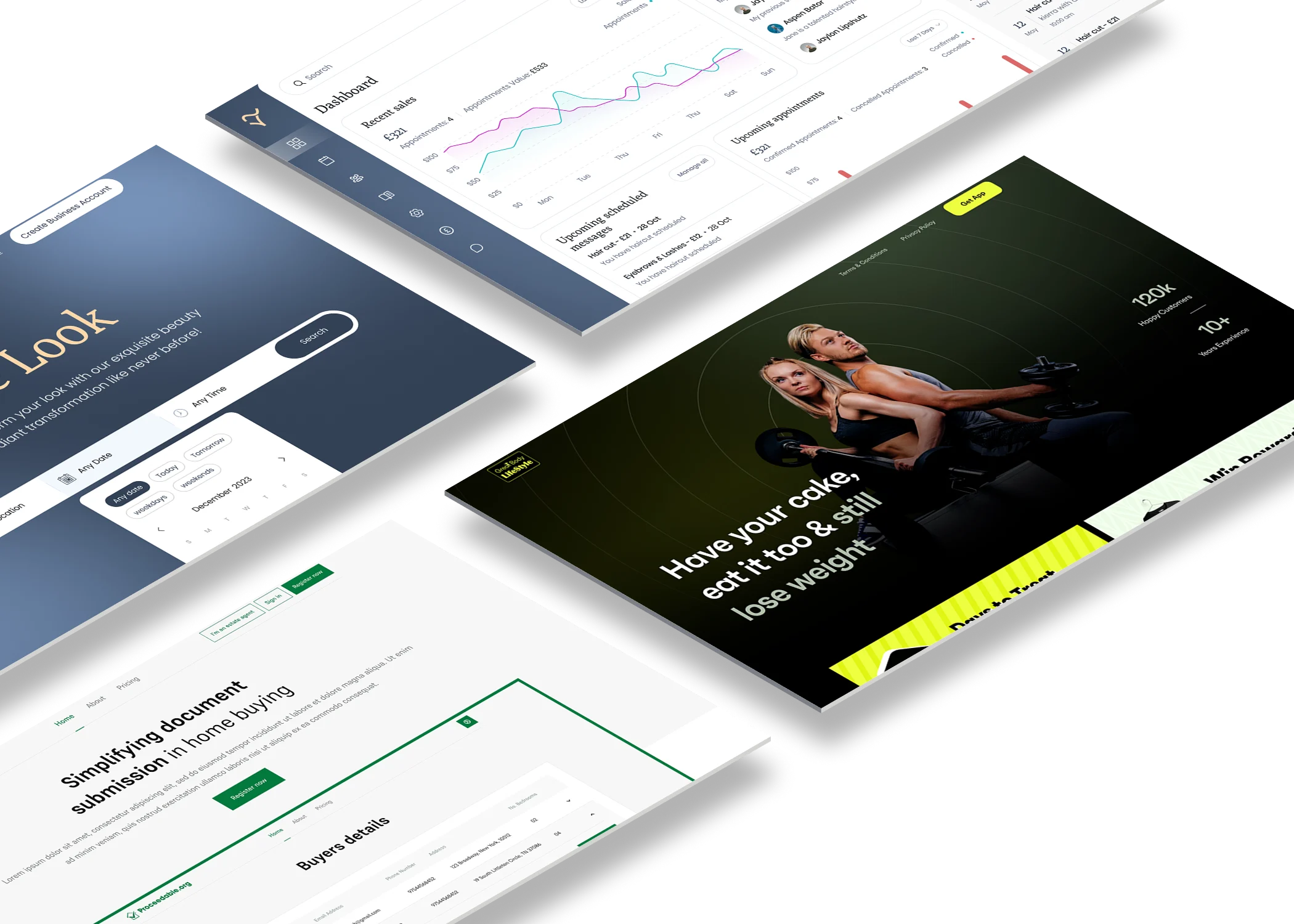
With admin panel development, you and your team get one secure place to run your app. Manage users, approve content, send notifications and see your key numbers, without asking a developer every time.
What it is
What an admin panel does for your business
An admin panel is the private, password-protected side of your product. Your customers don’t see it. But it’s where your team keeps the business running. That means looking up accounts, handling problems, updating content and checking how things are going.
Most apps need one sooner than founders expect. Without it, simple jobs like refunding a customer or removing a bad post mean editing the database by hand, which is slow, risky and expensive.
Features
What we can build into your admin dashboard
Every admin panel is built around the jobs your team does most, so you only pay for features you’ll actually use.
-
User management
Search for users, see their activity, reset access, and suspend or delete accounts when you need to.
-
Content moderation
Review, approve, block or delete what users post. This matters for any community, marketplace or dating app.
-
Push notifications
Send targeted notifications and announcements to groups of users, based on the data you already hold.
-
Metrics and reports
See daily users, sign-ups, downloads, revenue and retention in clear charts, then export reports for your team or investors.
Case study
Dislikrr: an admin panel for a dating app
Dislikrr is a dating app that needed tight control over what its users post. The team had to block, delete and approve content quickly, because a dating community falls apart fast without moderation.
We built an admin panel with full app analytics, moderation tools for user posts and the option to send push notifications when content is approved. It all sits in one password-protected dashboard, so the team can report, moderate and track the app in one place.
For a similar product, our guide to how to create an app is a good place to start.
How we keep it lean
Start with the admin panel features you need now
Founders don’t need an enterprise control centre on day one. So we start with the handful of tasks your team repeats every week. Those get built well first. Then we add more as the business grows.
Where it saves you money, we’ll suggest ready-made tools for things like email or payments. Then we build custom screens only for the jobs that are specific to your product.
AI tools also speed up the routine parts of building dashboards, such as forms, tables and tests. But a developer reviews every change before it goes live.
Our process
How we build your admin dashboard
-
Understand the jobs
We talk to you about the tasks your team does every day, the numbers you check and who needs access to what.
-
Design the dashboard
The key screens come first, as a clickable prototype you can try before anything is built. Revisions are unlimited.
-
Build and connect
We build the admin panel, connect it to your app's data and set up secure logins with the right permissions for each person.
-
Test and hand over
You test it with your team, we make any tweaks, and then it goes live. If your team needs a walkthrough, we'll give you one.
Security
Keeping your admin panel and your users' data secure
Your admin panel holds the keys to your business, so security comes first. We use secure logins and give each team member only the access they need. Where it’s useful, the panel can also keep a record of important actions.
If you handle personal data, you have duties under UK GDPR. A good admin panel makes those easier, for example by letting you find, export or delete someone’s data when they ask. The ICO’s UK GDPR guidance explains your responsibilities.
Cost
How much does admin panel development cost?
The cost of admin panel development depends on how many screens and features you need, how many user roles there are and how much data needs connecting. A simple panel for users and content costs far less than a reporting platform with dozens of charts.
You’ll get a free, detailed quote within 48 hours of our first call. If we’re also building your web app or Flutter app, the admin panel can be part of the same project.
Projects.
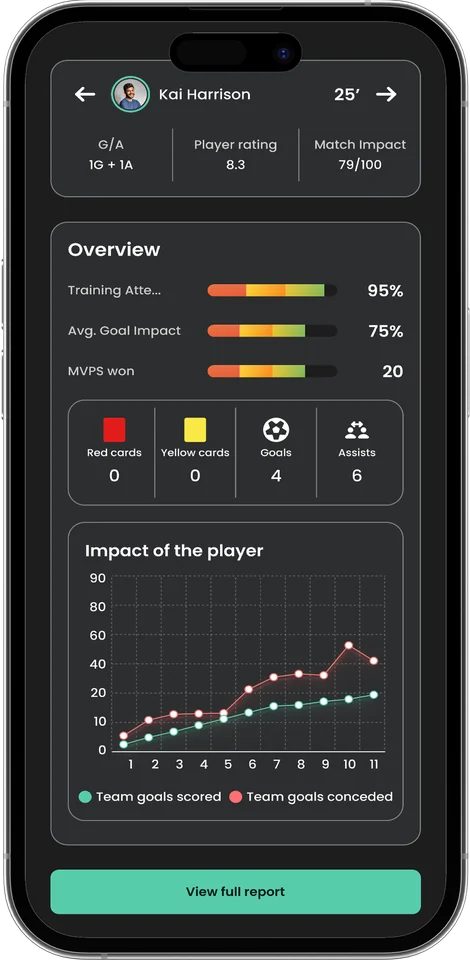
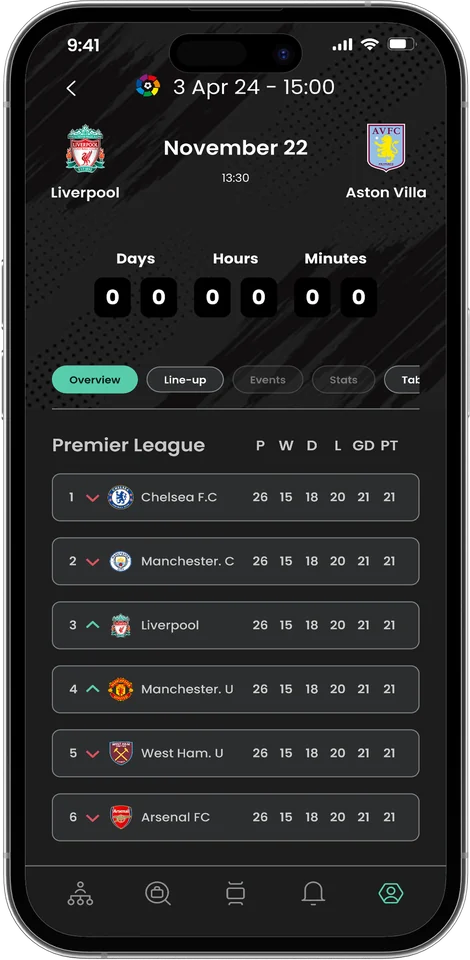
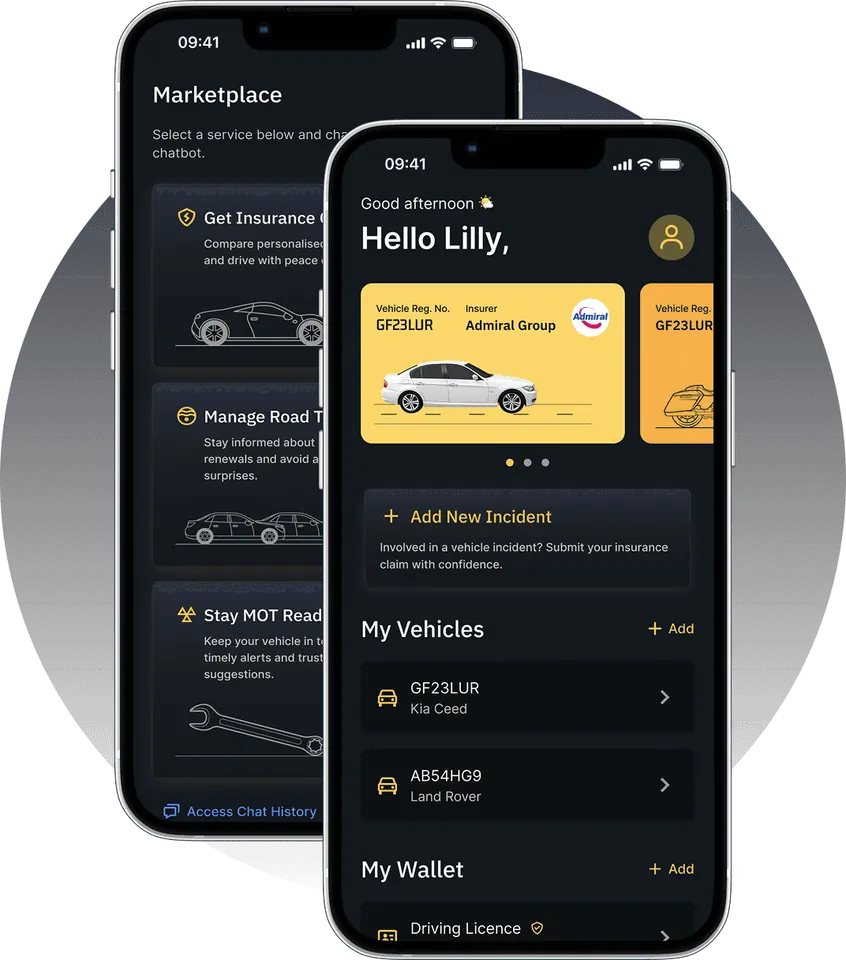
We've helped businesses across industries achieve their goals. Here are some of our recent projects.
Testimonials
Reviews.
Rated by 15 verified clients on Clutch.
“The team was always open to feedback and willing to adapt quickly when needed.”
Mobile App MVP Development for Fantasy Sports Platform
“We were impressed with their ability to deliver complex features on time while maintaining high code quality.”
Software, Website & Mobile App Dev for Stylists Marketplace
“They took me through the whole process in detail.”
Mobile App Development for Equestrian Events Finder
“I'm impressed by their time efficiency.”
Mobile App Development for Sports App Provider
“It’s great to work alongside passionate people who believe in your ideas.”
Road Incident Reporting App for Software Dev Company
“They were also great in overcoming some issues we stumbled upon along the way.”
Mobile App Dev for Finance Company
“I’m made to feel like I’m their only client, which is amazing.”
Android & iOS App Dev for Social Platform
“Ingenious was also easy to get on with and work with. It didn't feel like I had to instruct them.”
Mobile App Dev for Career Management Platform
“I am really happy with the results.”
Mobile App Dev for Camera Tech Company
“They were willing to negotiate the price and were honest about what they could deliver.”
Mobile App Dev for Social Platform
“They’re an experienced team that will support you at every turn.”
Fintech Mobile App Development for Digital Marketing Agency
“We were impressed by the speed and quality of their work.”
Mobile App Dev for Card Discount Company
“Ingenious has given me great service and done everything I’ve wanted to do.”
App Development for Sports Betting Company
“The founder was impressive. He was very personable, proactive, and creative, and he knew his stuff.”
Scalable Mobile App for Coaching Program
“...I had a very smooth customer experience.”
Mobile App Development for Meal Delivery Platform
FAQ.
Here are some of our most frequently asked questions and answers.
What is an admin panel?
Does my app need an admin panel?
Can you add an admin panel to an existing app?
Can team members have different levels of access?
Will the admin panel work on my phone?
Can the admin panel show my app's analytics?
Who owns the admin panel?
Have a project in mind?
Let’s talk.
Tell us about your project, whether it’s a mobile app, a web app or a brand-new idea.
Quick response.
If you’re ready to create and collaborate, we’d love to hear from you.
Clear next steps.
Within 48 hours of our first call, you’ll get a free breakdown of your project’s timeline and cost.
© 2026 ingenious app studios®