Mobile Apps
How to increase app downloads: App Store optimisation for founders
Knowing how to increase app downloads starts with two jobs: making your app easy to find, and making it easy to say yes to. Use the name, subtitle and keyword fields well, show the main benefit in your first screenshots, ask for ratings at the right moment, and send people to your store page from outside the store. Don't rely on store search alone for a new app.
This guide covers App Store optimisation (ASO), the store-side work, and the outside marketing that helps a founder's first app get its early downloads.
What is App Store optimisation?
App Store optimisation is improving your app's store listing so more people find it and more of those who find it download it. It has two halves: ranking in the store's search results for the words people type, and converting visitors to your product page into downloads.

Get found: name, subtitle and keywords
On the App Store, the words people search for should appear in your app name, subtitle or keyword field. Apple allows 30 characters for the name, 30 for the subtitle and 100 for keywords, separated by commas with no spaces. Google Play allows 30 characters for the title and 80 for the short description.
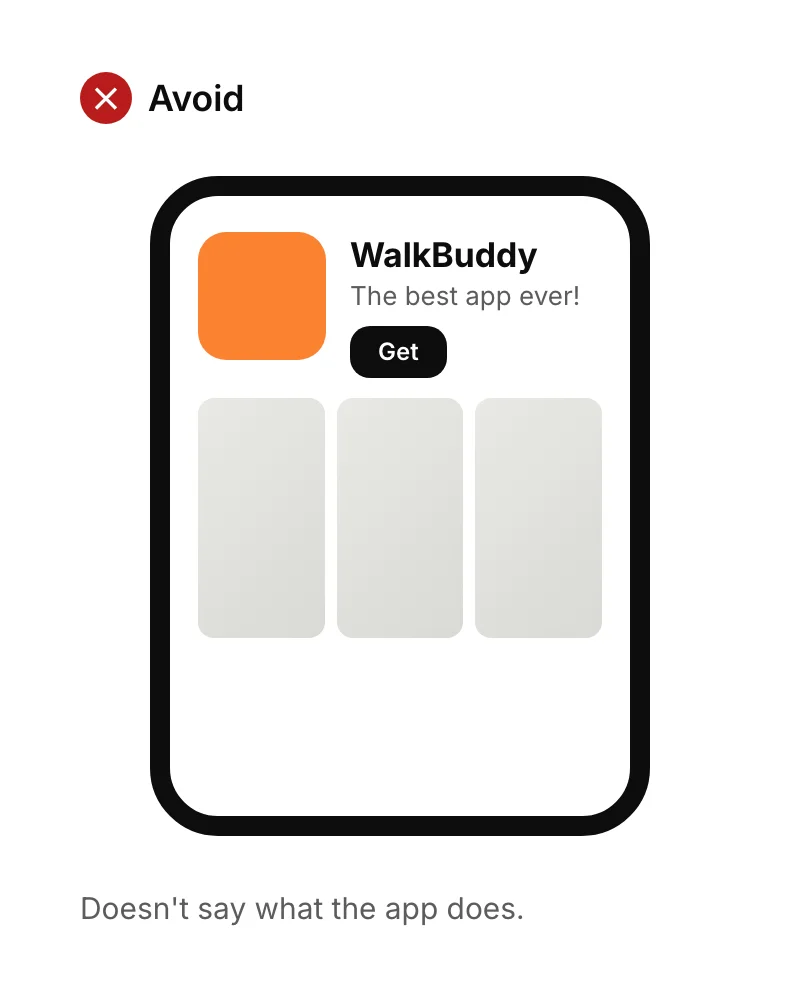
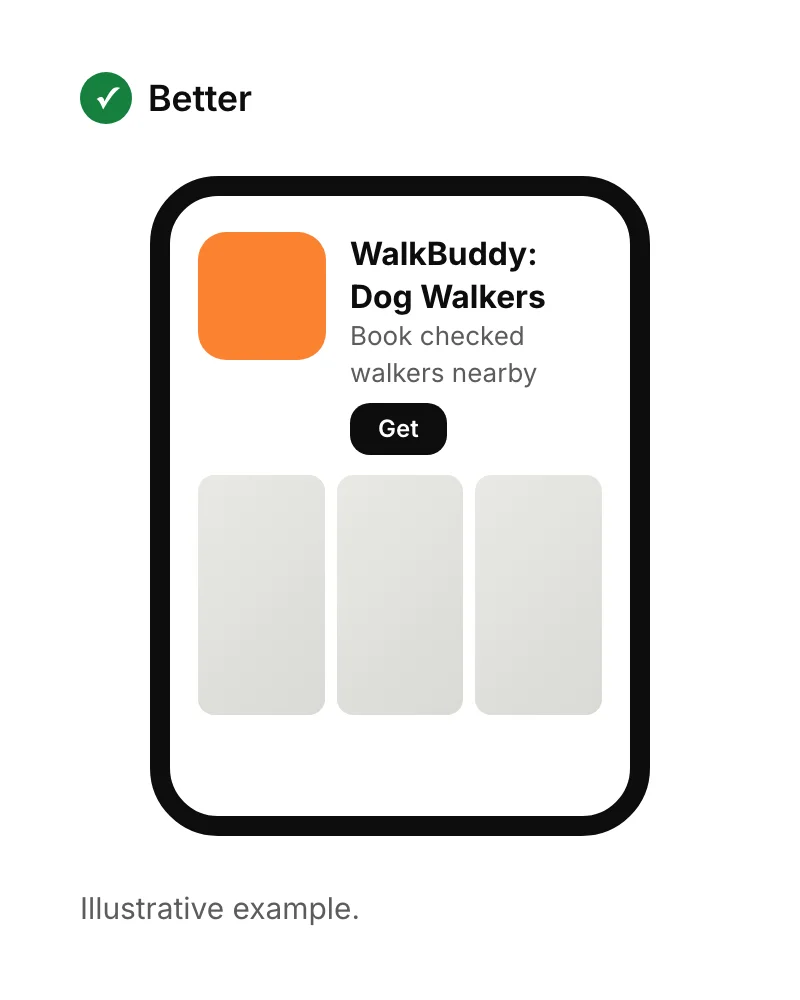
Pick keywords the way customers describe their problem, not how you describe your product. Start with a few specific phrases where fewer apps compete, rather than one-word terms dominated by big brands.
Get chosen: icon, screenshots and previews
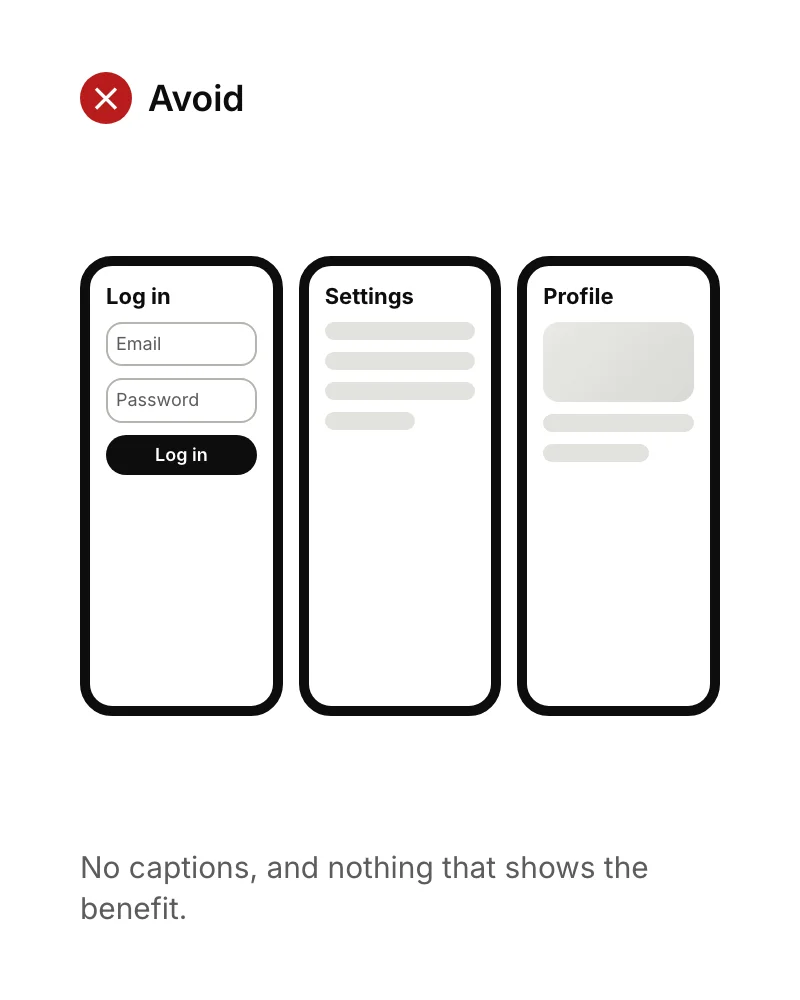
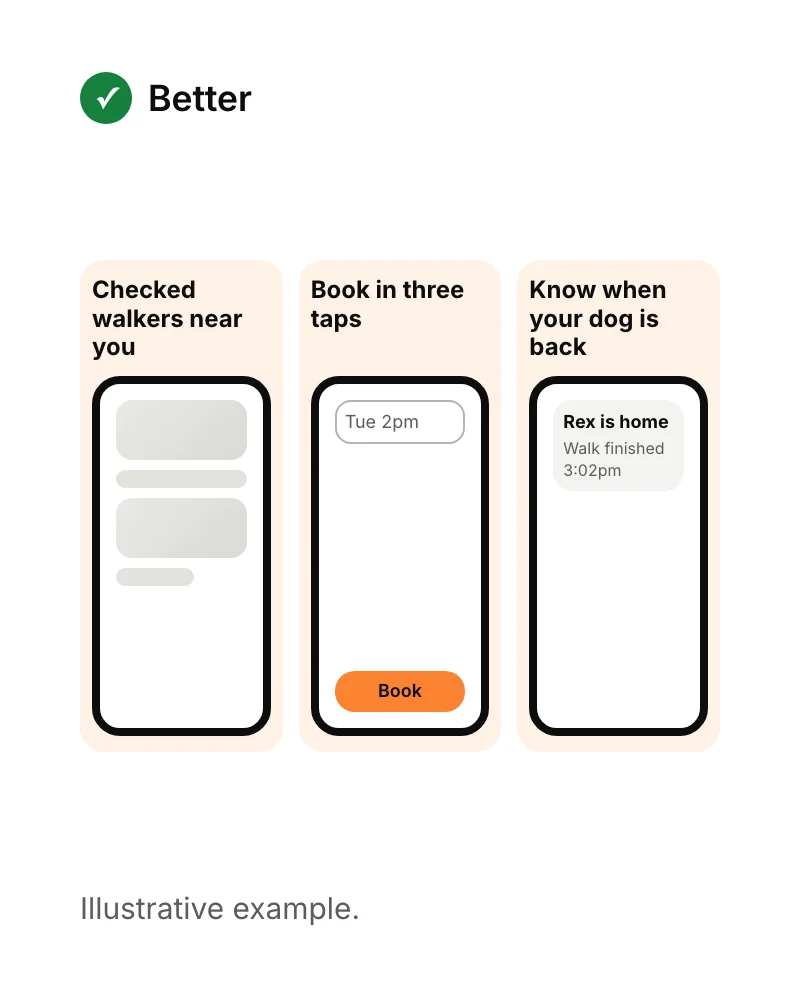
Once someone lands on your listing, the icon and first screenshots do most of the persuading. Apple allows up to 10 screenshots and up to three app previews of up to 30 seconds, plus 170 characters of promotional text. Use the first two or three screenshots to show the main benefit, with a short caption on each.
Earn more ratings and reviews
Ratings are one of the simplest ways to increase app downloads, because they affect both halves of App Store optimisation: people trust apps with good ratings, and the stores consider them too. The best time to ask is straight after someone succeeds at something, such as completing a booking, not when they first open the app or right after an error.
- Use the platform's own rating prompt, so people can rate without leaving the app.
- Reply to reviews, especially critical ones, and say what you've fixed.
- Fix what reviews mention. Crashes and confusing steps cost more ratings than any prompt can win back.
How to get featured on the App Store
To get featured on the App Store, submit a nomination through Featuring Nominations in App Store Connect. Apple asks for at least two weeks' notice and recommends up to three months for wider consideration. Nominate launches, big updates and new content.
Apple says its editors look at user experience, UI design, innovation, uniqueness, accessibility, localisation, and the product page itself, including screenshots, previews and ratings. A small app that does one thing beautifully and accessibly has a real chance, so a strong nomination is worth writing.
How to increase app downloads from outside the store
For a new app, the people who already know you are the quickest route to early downloads. Outside traffic also helps build the ratings and download history that make store search work better over time.
- A website or landing page with store badges, explaining the app to people who find you on Google. See what a landing page is.
- Your waiting list. If you validated the idea with sign-ups, email them on launch day.
- Communities where your users gather, online and offline, with something useful rather than an advert.
- Partners who serve the same customers, such as vets and dog groomers for a dog walking app.
- Paid ads, in small tests, once the product page converts well enough to be worth paying for visits.
Measure what actually increases app downloads
Track where downloads come from and what people do next. Both stores show impressions, product page views and downloads in their own dashboards, and in-app analytics show whether new users stay. We set up Mixpanel on every app so you can see which sources bring users who come back, not just users who install.
Downloads only matter if people keep using the app, so pair this with good onboarding (see our mobile app design best practices). If you're still preparing to launch, start with how to put an app on the App Store, or see how we build Flutter apps for founders.
Sources
- Apple Developer, Creating your product page. Checked 15 September 2026.
- Apple Developer, featuring guidance for developers. Checked 15 September 2026.
- Google Play Console Help, Store listing. Checked 15 September 2026.