Vs
App vs website: which should your business build first?
App vs website comes down to how often your customers need you. A website is the right first step for most businesses: people find it through Google, it works on every device, and there's nothing to install. An app is worth it when customers come back often, need notifications or offline use, or the product itself is something they log in to use.
This guide compares the two for a founder deciding what to build first. It covers how people in the UK actually go online, what each option costs, where web apps fit in, and a quick way to decide.
App vs website: the key differences
| Website | Mobile app | |
|---|---|---|
| How people find it | Google, links, ads | App stores, or your website and marketing |
| Getting started | Open a link | Download and install |
| Updates | Live as soon as you publish | Store review, then users update |
| Phone features | Some (camera, location in the browser) | Full access: notifications, Bluetooth, background tasks |
| Works offline | Limited | Can be designed to |
| Store fees | None | Apple 99 US dollars a year, Google US$25 once |
| Best for | Being found, explaining, selling, occasional use | Frequent use, logged-in tools, device features |
Are mobile apps used more than websites?
People spend most of their online time on phones, but that doesn't mean a new business needs an app. Ofcom found UK adults spend an average of four and a half hours online a day, mostly on a smartphone, and use an average of 41 apps a month. The three most used are WhatsApp, Facebook and Google Maps.

For a new business, the takeaway is this: phone use is huge, but a lot of it goes to apps people already rely on every day. Earning a place on someone's home screen is hard. A mobile-friendly website meets them in the browser they already use, with no download standing in the way.
Mobile app vs mobile website: when does an app win?
A mobile app beats a mobile website when customers use your product often, when it needs the phone's features, or when it must work without a signal. A mobile website is better for being found, for one-off visits and for anything people read rather than use.
An app is usually worth it if one or more of these is true:
- People use it at least weekly, such as booking, ordering, tracking or messaging.
- Notifications are central, like "your walker has arrived".
- It needs the phone's hardware, such as Bluetooth devices, the camera for scanning, or location in the background.
- It has to work offline, for example on a site visit or on the Underground.
- Customers log in to use it, so the app is the product rather than a brochure.
Mobile app vs web app: what's in between?
A web app is software that runs in the browser, like an online dashboard or booking tool. Some web apps can be added to a phone's home screen and behave a little like an app. Since iOS and iPadOS 16.4, those home screen web apps can even send push notifications on iPhone.
A web app is a good middle step when your product is a logged-in tool but you don't yet need the app stores. The trade-offs are weaker access to phone features, and that on iPhone people must add the web app to their home screen themselves before it can send them notifications. If you build with Flutter, the same code can produce both an app and a web app, although Flutter's documentation says text-rich pages such as blog articles suit ordinary websites better.
Is an app more expensive than a website?
An app usually costs more than a website to build and to run. It needs designs for small screens, a backend (the server and database behind it), testing on real phones, and store accounts: 99 US dollars a year for Apple and US$25 once for Google. Apps also need updates each year as Apple and Google change their requirements.
At Ingenious App Studios, a small first app starts from about £5,000, with around £10,000 typical. Our guide to how much it costs to make an app covers the running costs in detail.
How to decide what to build first
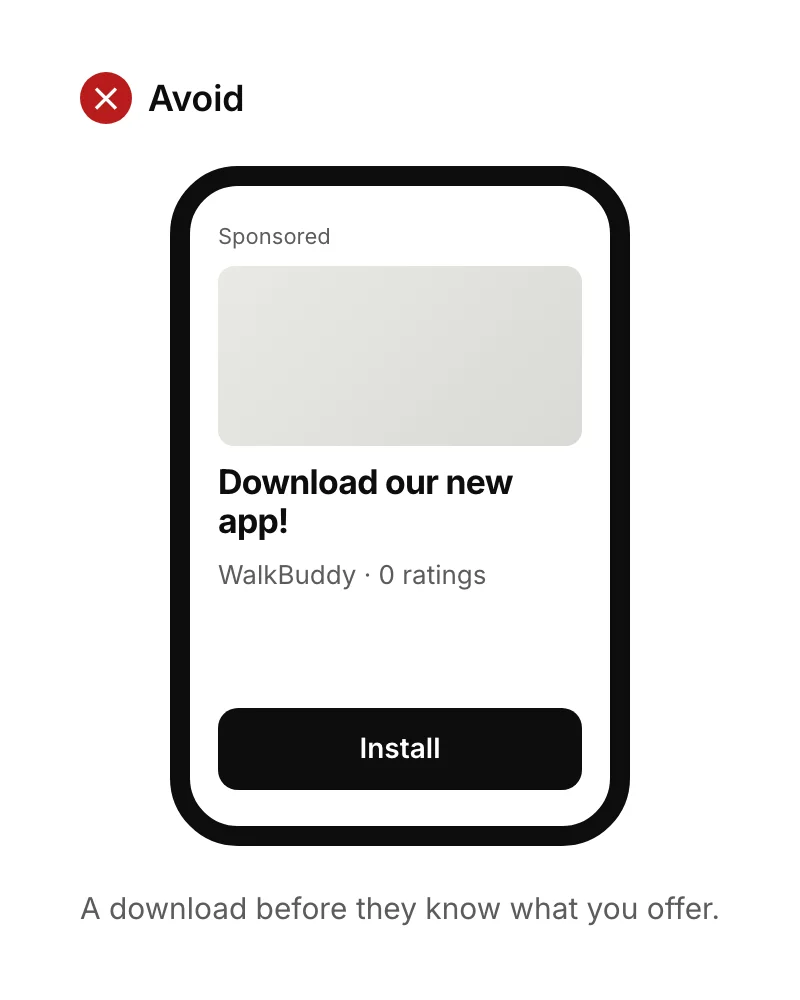
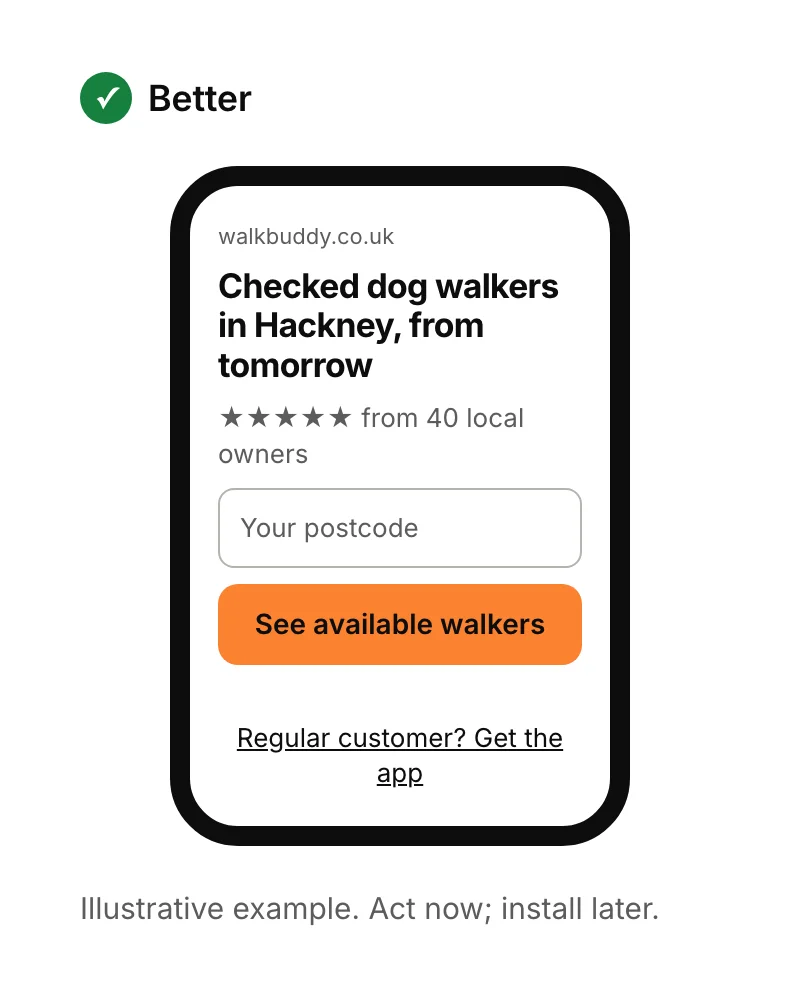
Answer three questions in order. For most new businesses, the answer is a website or landing page first, with an app added when regular customers give you a reason.

Can you have both an app and a website?
Yes, and most successful app businesses do. The website does the finding and convincing: it ranks in Google, explains the product and links to the app stores. The app does the using. Start with whichever your customers need first, and build the other when you have evidence.
If you've decided on an app, read how to create an app. If a website or landing page comes first, see what a landing page is or our landing page design service.
Sources
- Ofcom, From apps to AI search: how the UK goes online in 2025, 10 December 2025.
- WebKit, Web Push for Web Apps on iOS and iPadOS. Checked 15 September 2026.
- Flutter, Web support. Checked 15 September 2026.
- Apple Developer, Enrolment. Checked 15 September 2026.
- Google Play Console Help, Create and set up your developer account. Checked 15 September 2026.